Access & Accommodation Services at Arkansas State University offers a variety of services
and supports for students with disabilities, whether you’re attending classes on campus
or through A-State Online. These services help create meaningful access in academic
spaces and throughout campus life. Discover what’s available and how to register if
you’re eligible.
Every Red Wolf deserves to feel confident as they navigate college. From ramps and
elevators to a broad range of accessibility services, A-State is designed to help
you move confidently through campus. Our access counselors work closely with students,
professors, and organizations to create reasonable accommodations in the classroom
and at campus events. Take a look around our webpage to discover resources and connect
with our team!
Students with disabilities may rely on a service animal or an emotional support animal
(ESA) during their time on campus. Explore the application steps, documentation guidelines,
and important expectations.
We offer equipment and tools like e-text (PDF and other formats), smartpens, and listening
devices to support your learning. These are all available for check out. Contact us
to learn what’s available and how to get started.
Students approved for testing accommodations may receive extended time, a reduced-distraction
environment, alternative formats, and more. Learn how to schedule exams and access
support through our testing services.
Exams taken through AAS must be taken in our office.
Students with disabilities may qualify for scheduled transportation to and from academic
buildings. Learn more about eligibility and how to apply.
One common in-class accommodation includes peer note-taking support and note-taking
software. Services are arranged through our office based on approved accommodations
via the AIM Portal.
All media on campus should have captions or transcripts to make learning accessible
for everyone. Faculty and staff can explore our resources for guidance on captioning,
transcription, and requesting support.
See all information, resources, and services that Access & Accommodation Services
has to offer.
New to AAS? Here’s how to register. You’ll need to fill out a form and schedule an
intake meeting. Accommodations can’t be provided until both are complete.
Step 1
To request accommodations, you’ll need to fill out the AAS Registration Form.
- Students must complete this form online.
- If you need a paper form, stop by the AAS office or email us at dservices@astate.edu.
- If you’re only applying for transportation or an emotional support animal (ESA), do
not fill out this form. Instead, visit the Assistance Animals or Transportation Services page for directions on how to apply.
Step 2
Once you’ve submitted the form, you’ll need to book an intake meeting with an AAS
counselor.
- Schedule via Penji or use the link in your registration confirmation email.
- Choose to meet in person or virtually.
- Intake meetings are required to complete your registration.
Renewing your accommodations
There are a few steps you need to take at the beginning of each semester to continue
receiving accommodations:
- Log in to AIM. On your dashboard, you should see a box labeled Accommodation Requests and the current term.
- Click the big plus button above Add Requests.
- Select all of the courses you will need accommodations in, then click Continue to Next Step.
- Select the accommodations you will need for each course, then click Submit Request.
Remember, do not request note-taking for classes where it is not needed (i.e., labs
or online courses).
If you need to make changes to your approved accommodations, please schedule a meeting
with your Access Counselor.
Log In to AIM Portal
Want a simple way to help another student? Become a volunteer note-taker. If you already
take clear notes in class, just share them. It’s a small effort that can make a big
difference for a classmate with a disability.
How to get started:
1. Log in to the AIM Portal
2. Fill out the Note-Taking Volunteer Application
3. Upload your notes at least twice a week
It’s that easy—and it matters.
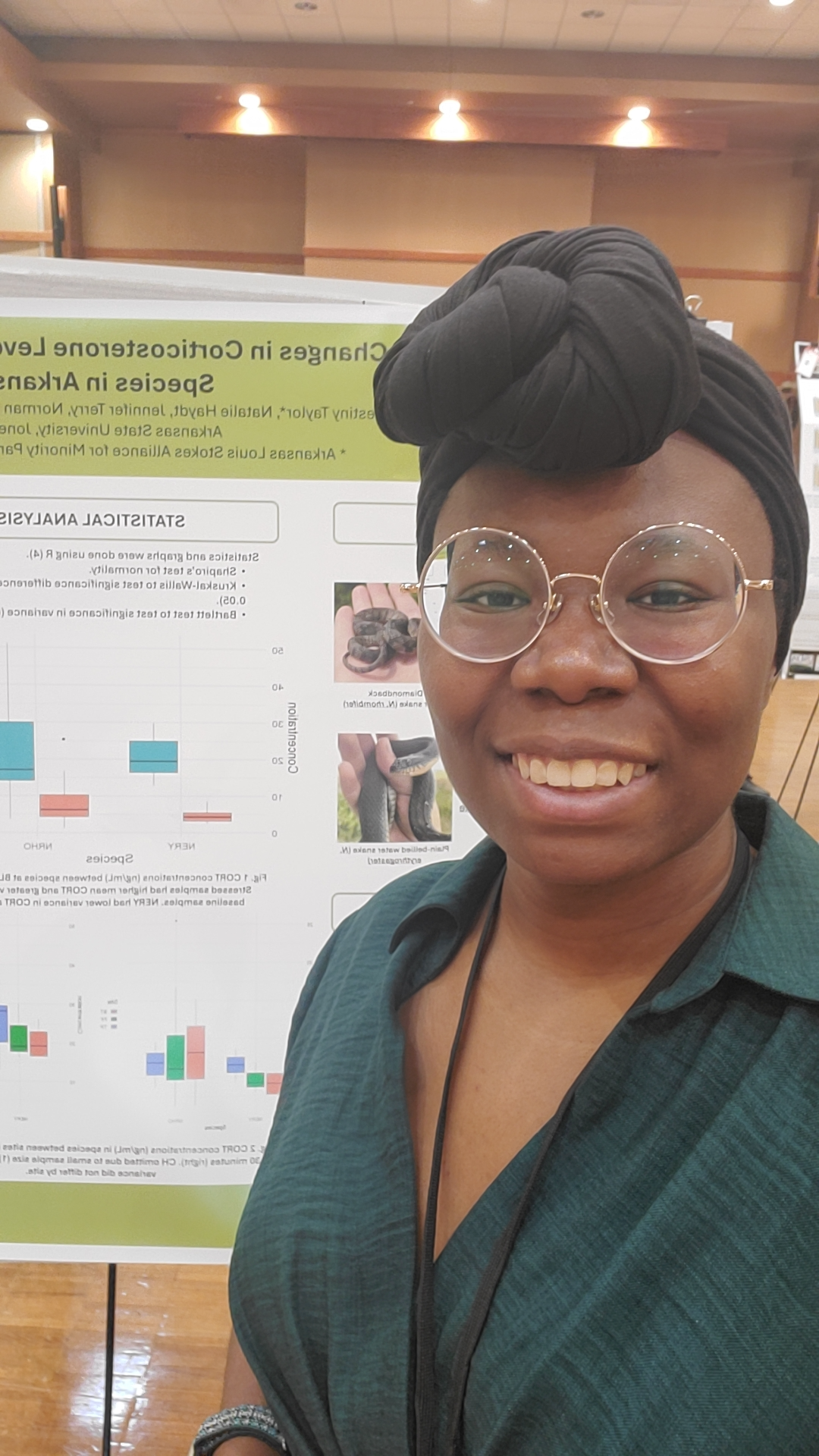
My experience being a notetaker at A&AS has been incredibly rewarding. I began notetaking
in my freshman year because it was an easy way to volunteer and help other students.
It has motivated me to be more attentive in class so that I can produce the best notes
I can for my classmates, and my organization skills have increased significantly as
a result. Notetaking not only benefits other students, but yourself as well! I am
so glad to be a notetaker with A&AS and highly recommend becoming one.
Destiny Taylor,
Volunteer Note Taker
Find information and resources for filing a disability-related grievance, appealing
an accommodations decision, or applying for a course substitution.
Follow Us on Social Media